
As an avid amateur astronomer who also has interests in software development I’ve worked for many years, on and off, developing this planetarium software.
This program was designed to be a planetarium simulator with an emphasis on practical usefulness to the average amateur astronomer. As such, its function ranges from getting acquainted with the constellations and star names to planning observing sessions and controlling your Meade or Celestron telescope through the ASCOM telescope interface.
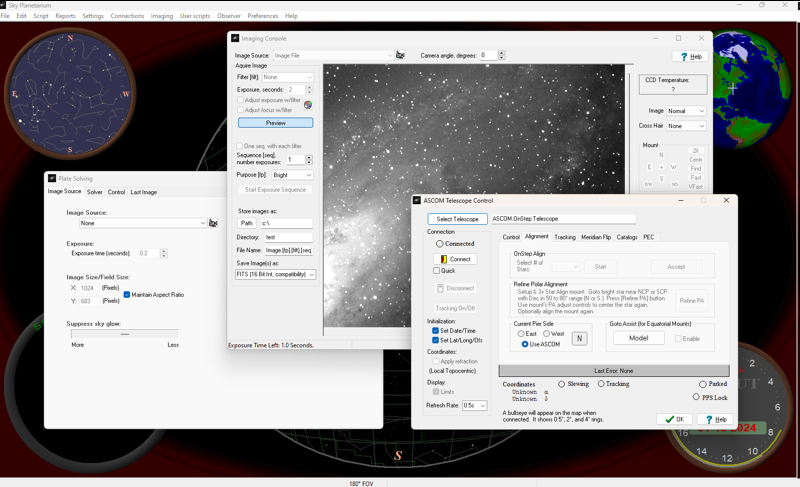
The latest trial version of Sky Planetarium handles the imaging requirements of many amateur astronomers too. With built in support for plate-solving, auto-focusing, and image acquisition. Cameras supported include ASCOM cameras, Webcams, and the Meade DSI series. Both Color and B&W cameras are supported with flexible de-bayering/de-mosaicing. The imaging console can save images in .bmp .jpg and several variations of the FITS file format. Cameras can even be shared between some tasks in Sky Planetarium (one camera doing both plate-solving and imaging for example.)
ASCOM feature support for telescopes, cameras, focusers, and filter-wheels is fairly extensive. Sky Planetarium also supports observatory operation features like shutter (or roof) control through the Dome interface and Safety Monitor integration. There’s even support for emailing status reports for unattended observatory operation. For telescopes, parking support is enabled if available as is homing (among other features.) For cameras support is included for gain setting, readout modes, binning, color, etc.
Goto Assist (GTA) helps goto telescope mount pointing operation by mathematically modeling the most common geometrical deficiencies of German Equatorial and Fork mounted telescopes. Once setup, a corrected location is calculated prior to issuing any goto commands to improve pointing accuracy. Specifically, the errors compensated for include: offset errors in RA/Dec on both sides of the meridian, polar alignment elevation, polar alignment azimuth, non-perpendicularity of RA/Dec axis/optics, tube flexure, Dec axis flexure, and (if applicable) fork flexure. Models can be saved and loaded. My OnStep telescope mount goto controller uses the same system internally and moving model coefficients between Goto Assist and OnStep is supported. This allows high performance models to be developed and then uploaded into OnStep where the improved pointing accuracy works with other applications (my Android App, Sky Safari, CdC, etc.)
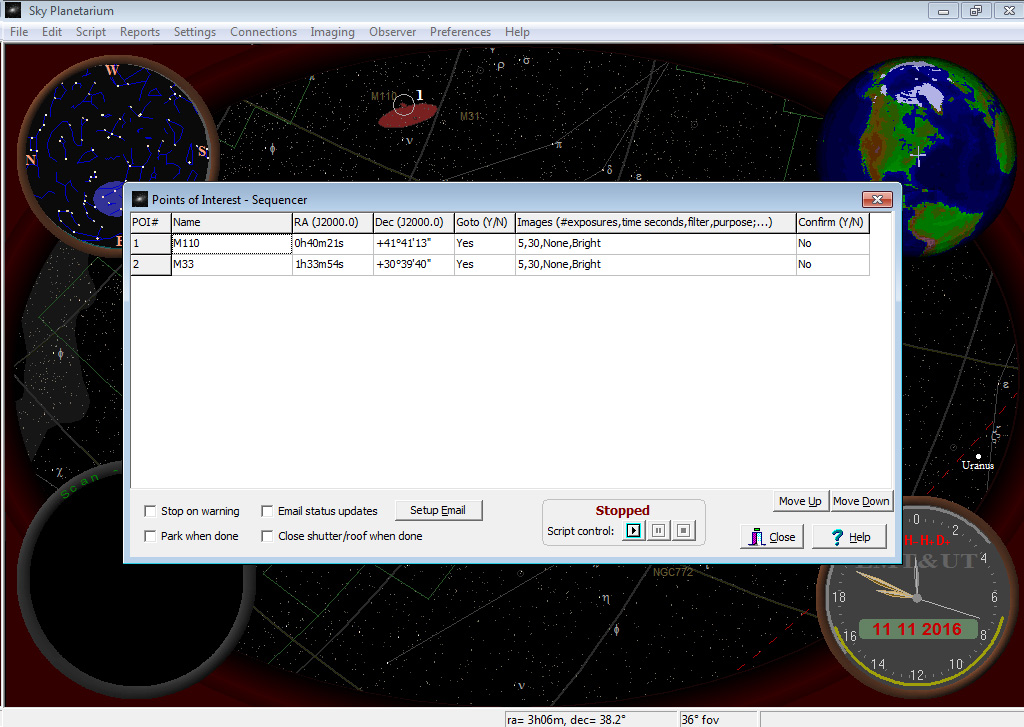
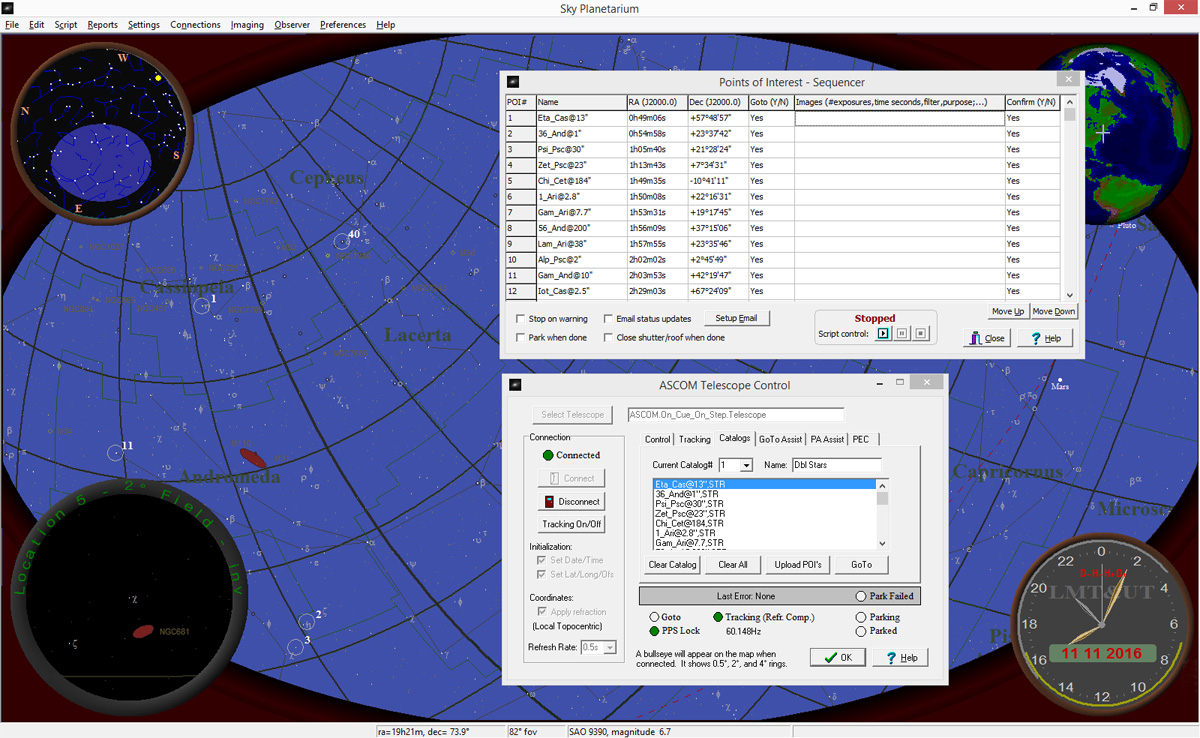
The Points of Interest (POI) Sequencer allows lists of objects to be compiled for automated imaging runs. You choose the objects, exposure time, filters, etc. and the sequencer will move the ‘scope to each object and take the image(s.) Basic control of PHD2 for Autoguiding is also supported. If plate-solving is configured and enabled it will be used to refine the goto positions. The latest version has preliminary support for automated observatory control associated with this feature. The goal being to have the Observatory Control System (OCS) with its weather/safety monitoring manage open/closing a roll off roof while the POI Sequencer conducts fully automated unattended imaging runs as required to complete the acquisition of its list of objects.
The POI and plate-solving features can be used together to help with aligning OnStep either by its internal GTA (up to 9 align points) or using Sky Planetariums GTA which supports up to 200 align points.
For my OnStep telescope drive controller additional features are available over what ASCOM allows. These features include help with aligning the mount, real-time display of PEC playback and recording, reading and writing PEC data, tracking rate control, working with object libraries, status information, etc.
Some of its other features:
Maps from nearly any time. From the distant past to the distant future. See the precession of the Earth’s axis and how it affects the stars’ position.
The Location Tool allows you to quickly choose your geographic location from a map (or a list of cities.)
The Time Tool graphically shows sun rise/set and moon rise/set times along with Local time, UT, etc. It’s an analog clock and gives you a nice “feel” for the passage of time and it’s effect on the night sky’s appearance.
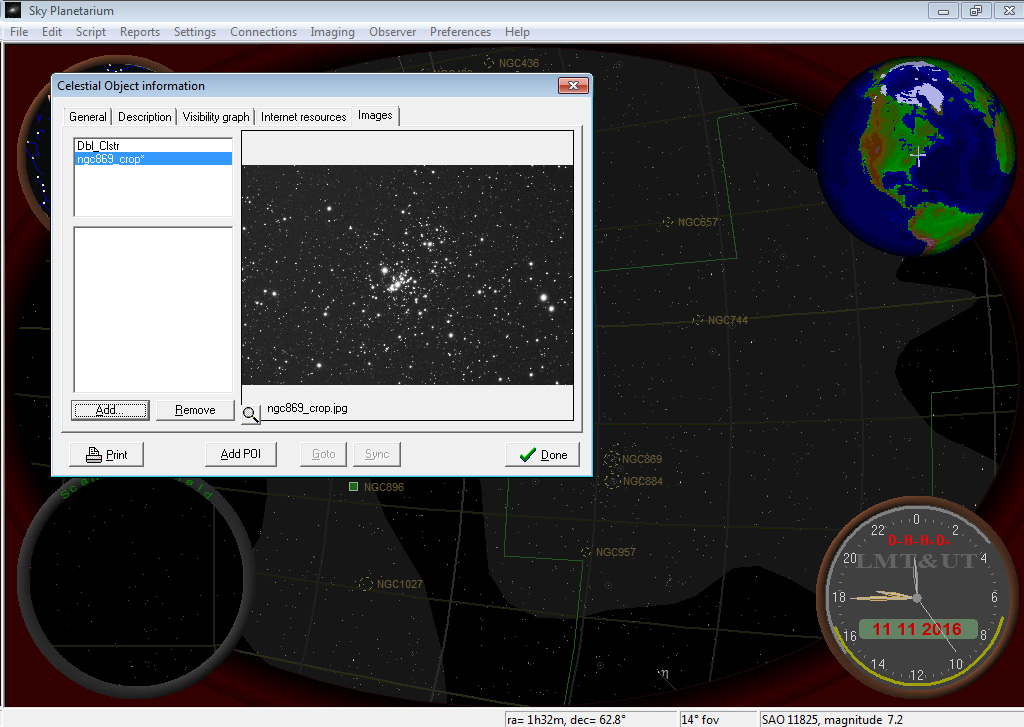
The Magnifier Tool shows you what’s under the cursor when you point to objects on the main map. This tool can mimic the view through various telescope/eyepiece combinations. It can also keep track of points of interest, which are locations you set on the map and can cycle through quickly with the number keys or via a menu selection.
The built-in BASIC scripting language includes the ability to pull data from catalogs, control a telescope and take images.
Other features include: a calendar of celestial events (computed on-the-fly), simulated sky glow during sun rise/set, fairly accurate planetary positions/depictions… including Jupiter’s moons and Saturn’s rings.
Naturally, help is available throughout the program.
Media:
Some videos to help with learning how to use Sky Planetarium:
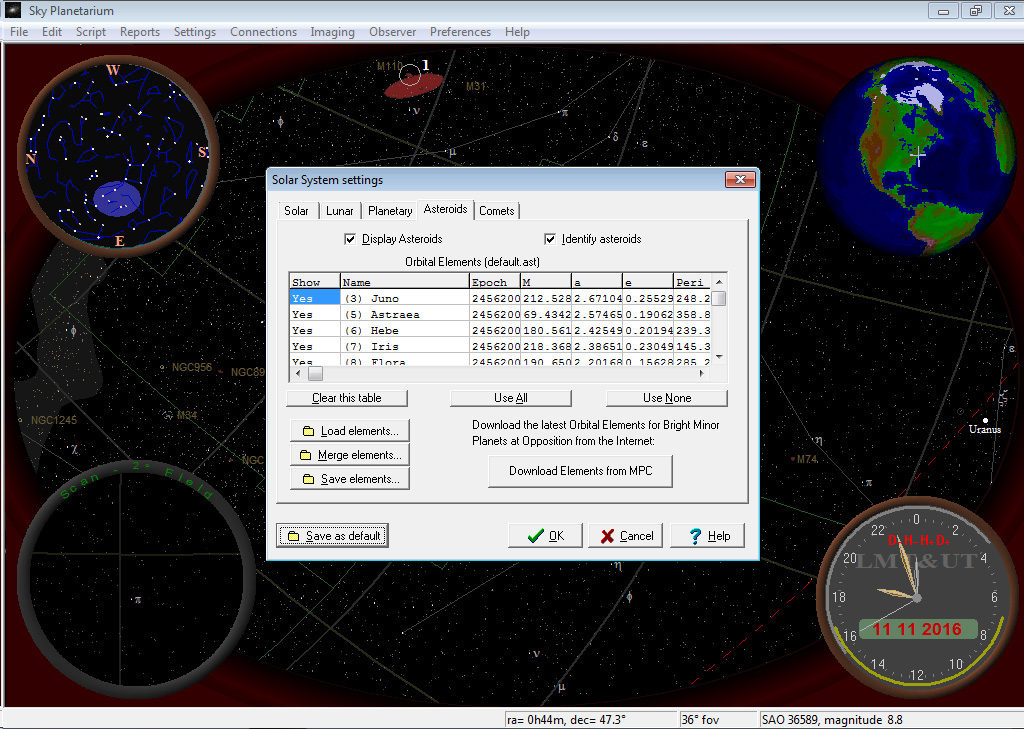
Screen shots:
Other Downloads:
During installation Sky Planetarium will prompt you to install certain software before it’s installed:
- The ASCOM Platform, for Observatory and Telescope control
- Python 2.6.6, for Plate-Solving
- Meade Envisage, for Meade DSI Cameras
The last stable releases:
Older obsolete versions:
- Sky Planetarium version 3.27 (released Nov 4th ’13)
- Sky Planetarium version 3.12 (released Mar 29th ’08)