
My LuCam ASCOM Driver has support most Lumenera USB cameras and is available for a small fee.
This ASCOM camera driver allows:
Gain adjustment.
Iris control for automatic lenses.
Balance control for cameras with dual taps.
Access to single tap mode.
Access to 16 bit mode and reversible bit order (to adapt to variable camera data formats.)
Ability to manually enter CCD dimensions for unrecognized cameras.
Many Lumenera cameras are supported, but these are reported to work:
Lu070, Lu075, Lu130, Lu135, Lu170, Lu175
SKYnyx 2-0, SKYnyx2-1, SKYnyx2-2
Infinity 2-1
Lt345, Lt29059
Lw235, Lw11059M, Lw11059C
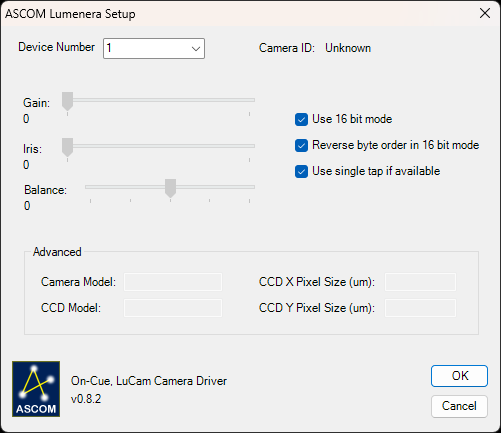
Initial testing was done with an LU070M. It works well with this camera, other models should also work since this talks to the same Lumenera camera driver. I have no way of testing the wide variety of cameras though, so if the driver works for your camera email me so I can let others know what works and what doesn’t.
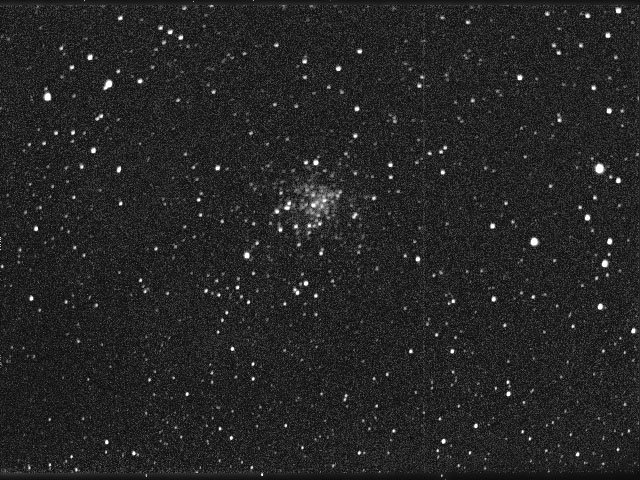
Below is a quick image of M71 I took with the above driver, very poor polar alignment in heavily light polluted skies, w/o plate solving I would have never found it:
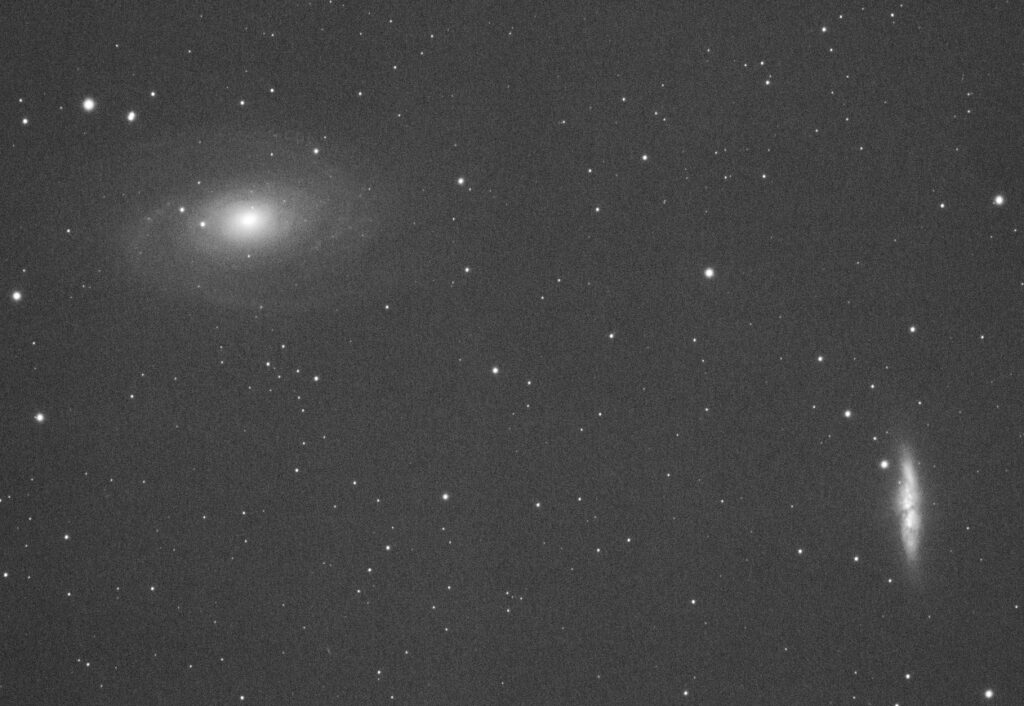
Later I obtained an LW11059 on eBay at a good price and added support for it. This camera has a full frame sensor and allows using Canon lenses, including those with motorized focus and iris, so support was added those features as well:
Downloads (last free version):
LuCam ASCOM Driver version 0.64
This camera driver is of lower quality, supports fewer cameras, and needs a hard to get version of LuCam which I leave up to the user to locate: LuCamSoftware-v6.0.1.exe
Support is confirmed for both the LU070M and LW130M (SKYnyx2-1). I also managed to eBay a cheap LW170C color camera and can confirm support for at least three cameras with this driver now.
This ASCOM driver was also checked out on Prism/Nebulosity/MaximDL5/and my Sky Planetarium.